
Five free CS2 inspect tools.
Turn a skin in 3D, hold it on a real CS2 server, stage it in a render or take it into Blender. The pet chickens are here too.
- 01
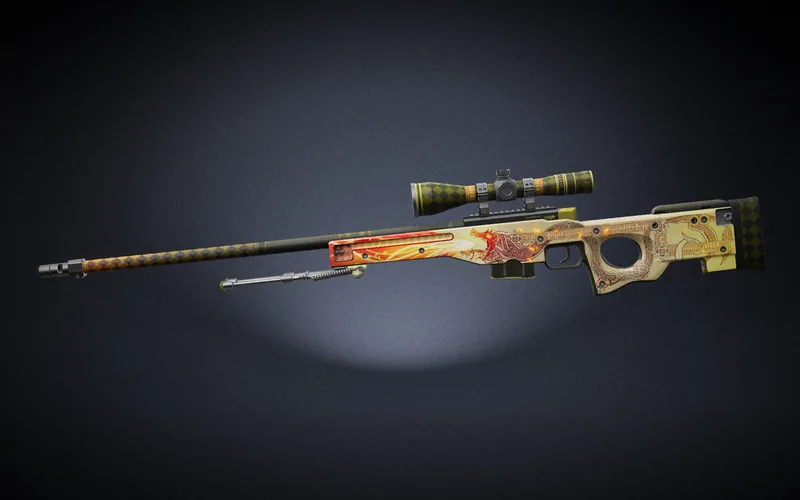
3D viewer
Pick any skin and it is drawn in 3D from CS2's own textures, at any float in its range and any pattern seed. Turn it, get close to the scratches, put stickers and a charm on it, and save the view as a PNG.
- 1,700+ finishes on 54 weapons
- 8,800+ stickers and all 78 charms
- 02
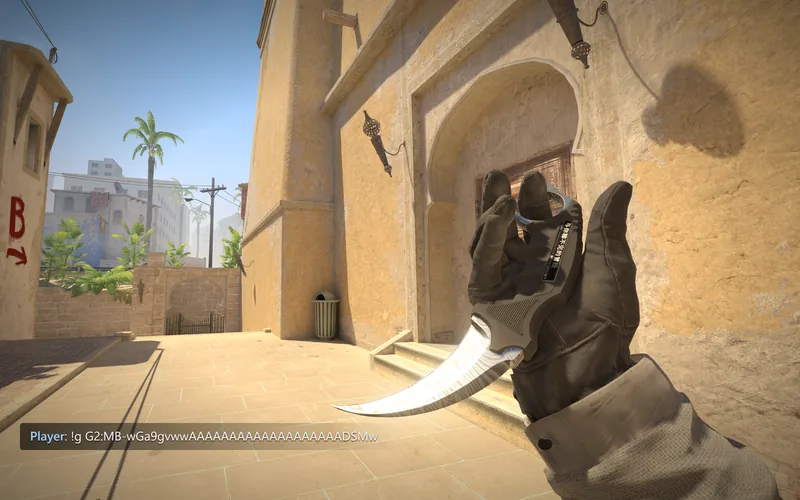
Inspect servers
Build a skin with its float, seed, stickers and charm and the generator gives you a gen code. Join one of our CS2 servers, type it in chat with !g and you hold the skin in first person, without owning it.
- Nothing to install, no client mods
- A Spawn button on every skin page
- 03
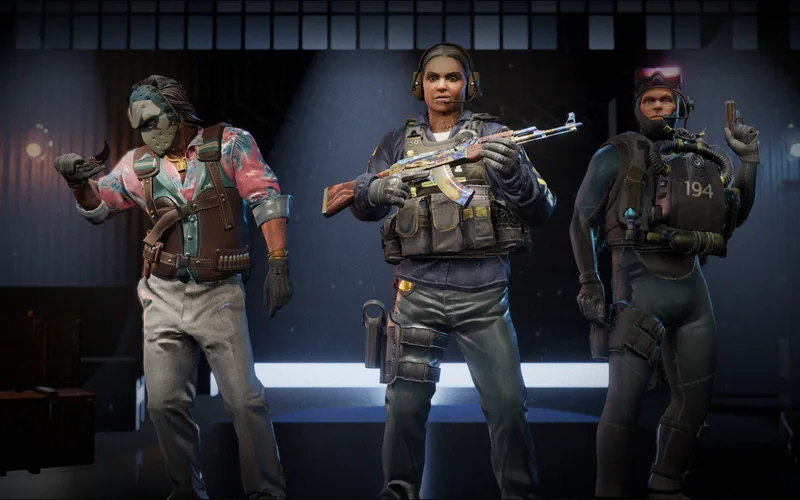
Render studio
Stage up to three skins in a 3D scene, each with its stickers, charm, StatTrak counter and name tag. Pick a camera and a look, then save the shot sized for X, Discord, Instagram or a 4K wallpaper.
- 9 scenes to shoot in
- 8 export sizes, up to 4K
- 04
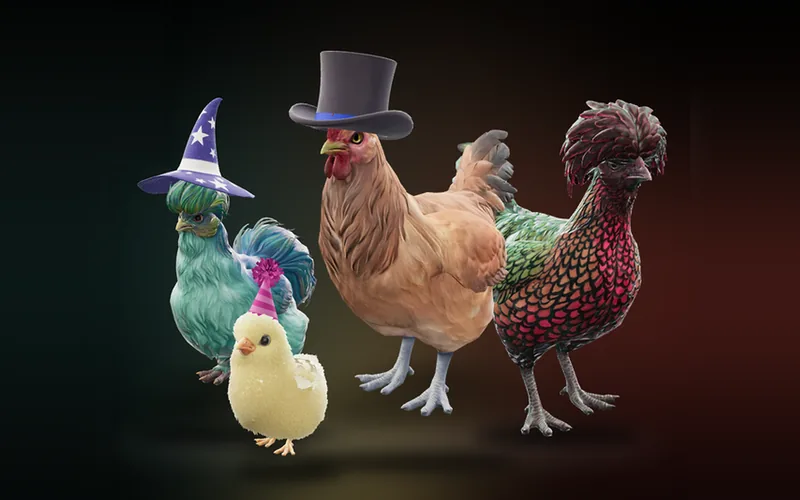
Chickenspect
Every pet chicken from CS2's September update in 3D, in every breed and colour, at any pattern seed, as a chick, pullet or hen. Try on the photo booth's hats and play its animations with the game's own sounds.
- All ten photo booth hats
- 87 animations from the game
- 05
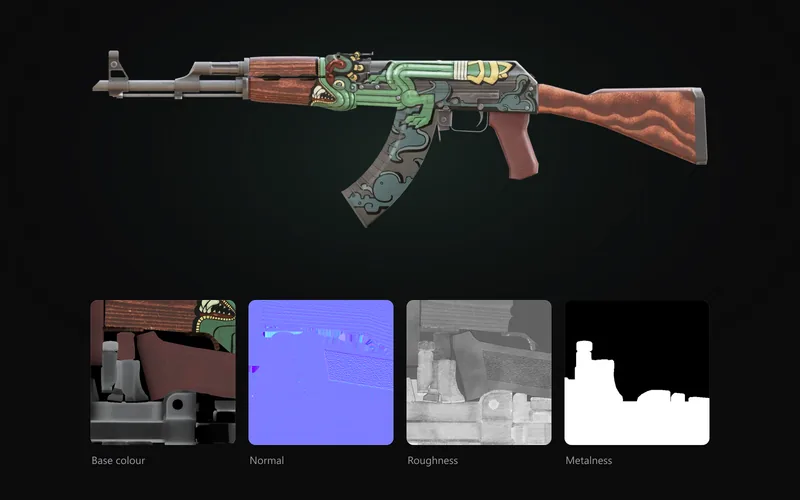
Asset export
Download a skin, sticker or agent as a glTF model with its baked PBR textures, ready for Blender, Substance Painter, Unreal or Unity. The bake runs in your browser and nothing is uploaded.
- 2048 or 4096 px PBR maps
- All 63 agents, stickers and charms
Take one skin through four of them.
The viewer, the servers, the render studio and the export all work from the same catalogue, so a finish you like in one is waiting in the next.
Step 1
3D viewerTurn it in the 3D viewer at the float and seed you are thinking of buying.
Step 2
Inspect serversPress Spawn, or copy its gen code, and hold it in first person on a real CS2 server.
Step 3
Render studioPut it in a scene with your stickers and a name tag and save the shot at 4K.
Step 4
Asset exportDownload its model and maps and keep working on it in Blender.