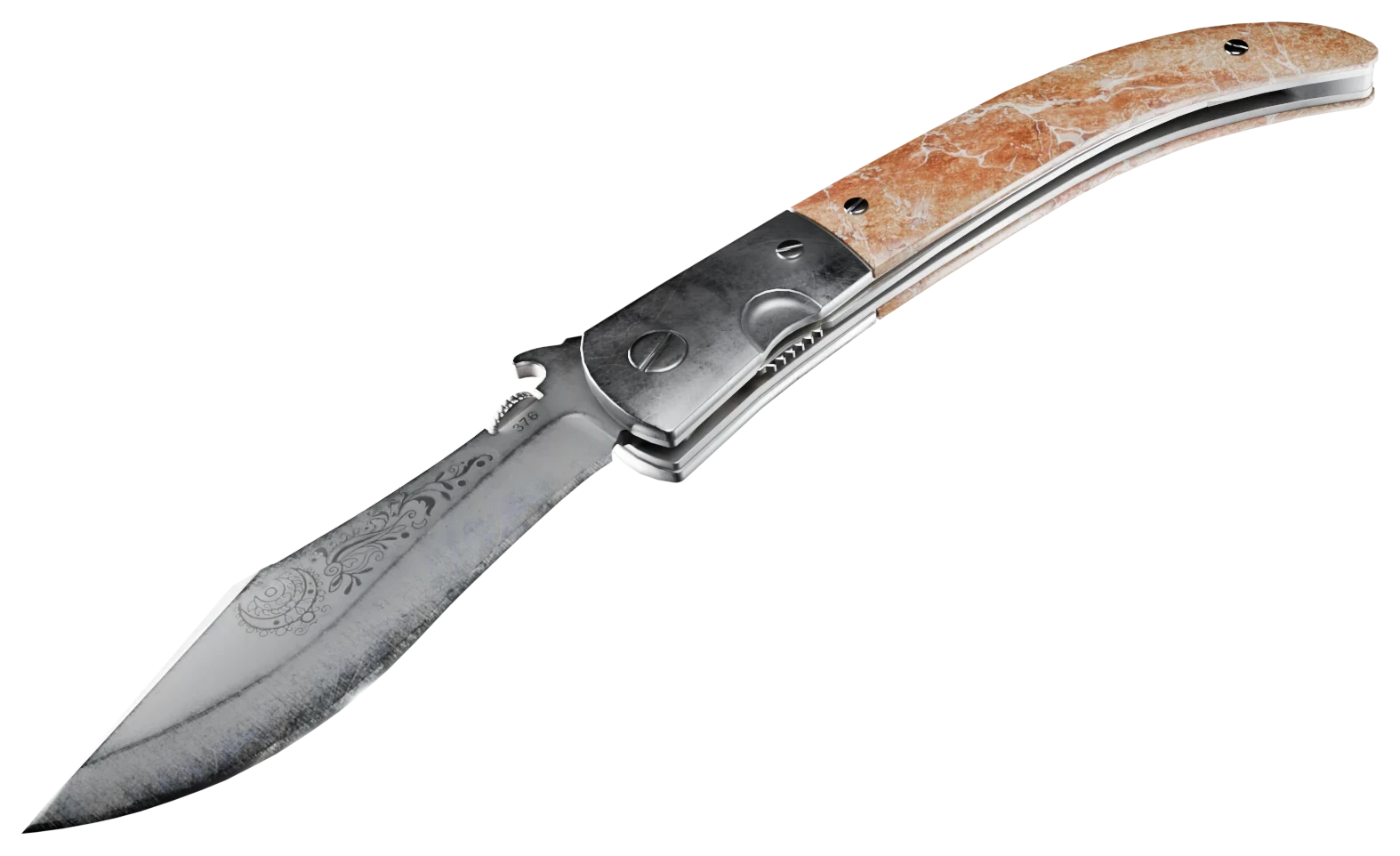
AWP | LongDog (Battle-Scarred)
Ppat1 day ago
OpenGiving$30.23$30.23

Wants
Any offers$60 to $any
1/2, open to any offers
0 offers/0 comments
View tradeEvery trade you post and every real offer you send is a ticket in the draw.
Ends in
Trade listings from other players. Post your own, make offers and counters, then finish the trade on Steam.
39 open trades / page 1 of 2
1/2, open to any offers
0 offers/0 comments
View trade
.61, somewhat clean for bs
0 offers/0 comments
View trade

Looking for $65 in trades
0 offers/0 comments
View trade

0 offers/0 comments
View trade0 offers/0 comments
View trade0 offers/0 comments
View trade
0 offers/0 comments
View trade
Low float Colony
1 offer/0 comments
View trade
Lowest Float FT "friberg Pattern" Tier 1 Bluegem
0 offers/1 comment
View tradeanything:)
1 offer/0 comments
View trade

0 offers/0 comments
View tradeanything in my inv is available for trade, send away.
1 offer/0 comments
View trade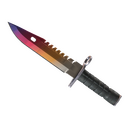
looking for an m9, preferably fade/lore (good hole), can do adds in cash if needed :)
1 offer/0 comments
View trade
0 offers/0 comments
View trade
2 offers/0 comments
View trade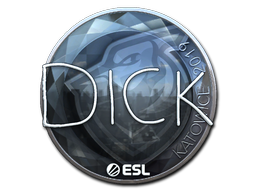


Clean DickStacy foil craft
2 offers/0 comments
View trade
#1 pattern xm, anything cool :)
0 offers/0 comments
View trade
Illiquids, Katowice 2014, Bluegems is also interesting, can add more :)
1 offer/1 comment
View tradeextremely high float skins, m9 is top 90 highest float (0.95+ is fake vanilla), very clean, looking for knives
0 offers/0 comments
View trade
Looking for any M9 + adds on either side to make it even
0 offers/2 comments
View tradeLooking to switch out my combo for some more unique illiquid items. some cool crafts etc
0 offers/0 comments
View trade
looking for more liquid stuff or just a downgrade to few playskins
1 offer/1 comment
View tradeLooking to swap out some playskins, no preferance really, can accept cash too.
1 offer/0 comments
View trade


$5250~
0 offers/1 comment
View tradeThe trade forum is where SkinWeb users swap CS2 skins with each other. You list what you have and what you want, other players make offers, and the trade itself is sent as a Steam trade offer between the two of you. SkinWeb takes no cut and never holds your items.
Post a listing
Sign in with Steam, pick the skins from your inventory that you want to move, and say what you are after: specific items, any offers, cash or crypto. You are asked for your Steam trade link the first time, so the other side can send you the trade later.
Get offers and negotiate
Other users offer skins against your listing. You can accept, decline or counter, and there is a chat on every trade so you can talk it through. You can also send a private direct offer to any user without a public listing.
Accept an offer
When both of you agree, accept the offer on SkinWeb. The accepted trade in My offers then shows a Send Steam trade button that opens the other person's Steam trade link. Put the agreed items in the offer there.
Check the Steam trade offer and confirm
Steam shows you exactly what leaves your inventory and what arrives. Compare it to what you agreed on SkinWeb: the same skins, the same wear, the same stickers. If anything differs, decline. Confirm on the Steam Mobile app only when it matches.
No. SkinWeb does not take a cut of trades between users, and there is nothing to deposit. Steam does not charge for trade offers either. If you sell a skin for cash on another market instead, that market's fee applies.
No. Items go directly from one Steam inventory to the other through a Steam trade offer. SkinWeb is where you find the other person and agree the deal; Steam is where the items move. Nothing on this site can take an item out of your inventory.
On a marketplace like CSFloat or Buff163 you sell to the site's buyers for money and pay the site a fee. On the trade forum you swap skins with another player and pay no fee, and you can trade for items you could not buy with a balance. Which one is better depends on whether you want cash or a different skin.
Only ever accept a trade inside Steam's own trade offer screen and the Steam Mobile app, and read every item on both sides before you confirm. Never click a link that says it will show you a trade, never enter your Steam login on another site, and never share a Steam Guard code with anyone. Do not accept a middleman you did not ask for. If someone rushes you, stop.
Two skins can share a name and look different. Check the wear, the float, the stickers and the pattern in the Steam trade offer, not just the name. On SkinWeb every listed item shows its wear and float where Steam reports them, so you can compare. If they do not match, decline the offer.
You can post a listing that asks for cash or crypto, but the payment is between you and the buyer, not through SkinWeb. There is no wallet or escrow here, so only deal for cash with people you have reason to trust, and never send the skin first on a promise. If you want the site to guarantee the payment, sell on a marketplace instead; Webber shows what the skin is listed for on each of them.
Yes, for a limited time. Each new trade you create earns 5 tickets and each real offer 1, and one weighted random draw picks the winner of a Navaja Knife. A trade needs $1 of new items at listed prices, and an item with a float under 0.001 or $10 of stickers counts whatever its price. Offers have no price rule. Traders can decline obvious spam as spam, which takes that offer's ticket away, and admins review those reports before the winner is drawn automatically a day after the end. The giveaway page has the dates and the official rules.
Your trade link lets another player send you a trade offer without being your Steam friend. In Steam, open Inventory, then Trade Offers, then Who can send me Trade Offers. Copy the Trade URL and paste it into SkinWeb when it asks for it, or in your profile settings.